


M-code is one of the plethora of coding languages programmers use to issue instructions and commands. It’s fairly obvious that programmers have to tell machines what to do – but how do they do it? Technicians use codes in CNC machining to make the machines work the way we need them, including the aforementioned m-code.
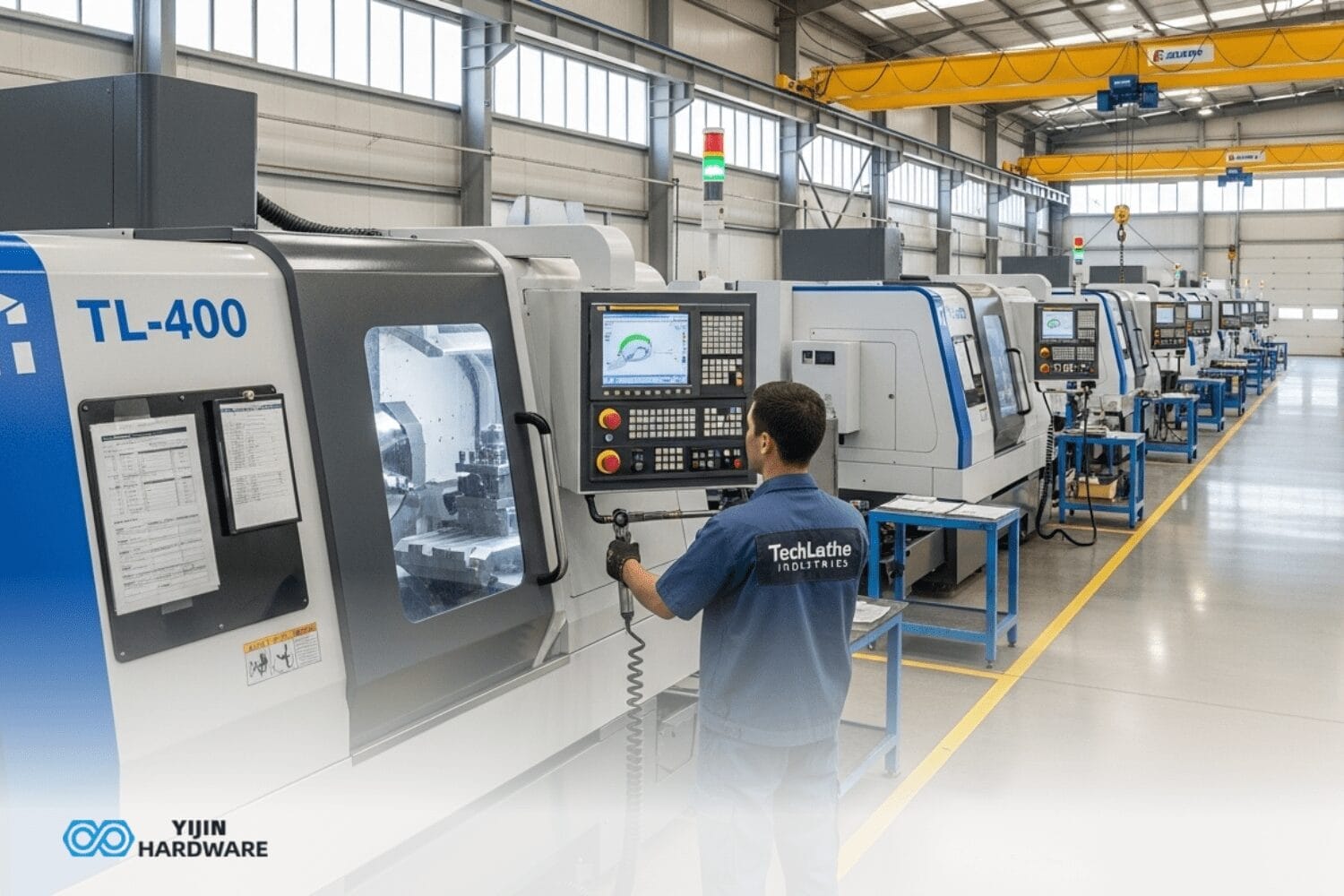
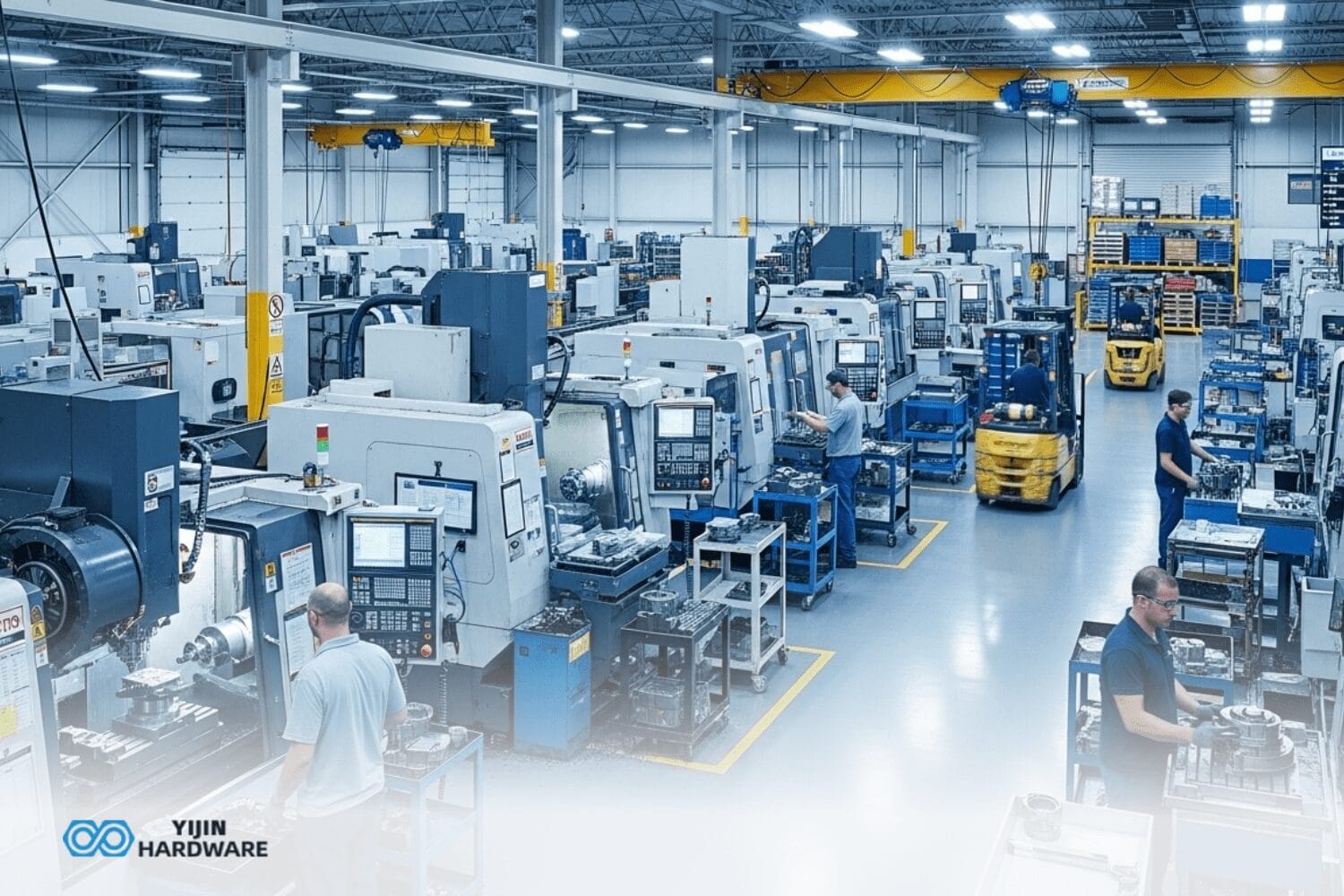
Our team at Yijin Hardware has tons of machines at our factory. Each one requires curated m-coding, so we’re pretty used to it. If you’ve ever wanted to what on earth m-code stands for, how it works, and more than you’ve come to the right place.
Key Takeaways
- M-code tells machines precisely when to turn and change the tools it is using
- CNC coding makes use of two main coding languages, M code and G-code
- Good CNC programming makes better parts that last way longer by helping your CNC machine work more efficiently
What is M-Code?
Simply put, M-code is a set of simple commands in the numerical control program. The “M” means “machine” or “miscellaneous.” It’s different from other parts of the CNC programming language. These codes help control basic machine function tasks like when exactly the machine needs to turn on the spindle, use its vital coolant, or change its tools to something more applicable for the situation.
If you’re a CNC programmer or machinist, you have to know these codes.
How does it differ from G-Code?
G-code and m-code differ in the fact that they do different jobs. G-code controls where tools move and position. M code controls machine operations like turning the spindle clockwise or counterclockwise.
Both use letters and numbers. G-codes start with “G” (G01 means move in a line). M codes start with “M” (M03 means start spindle).
The difference between G and M codes is simple. G-codes move tools. M-codes control machine parts. Both work together harmoniously in the CNC machining process to make your specialized parts.
Differences Between G-Code and M-Code
| Aspect | M-Code | G-Codes |
|---|---|---|
| Primary Function | Controls machine operations | Controls tool position |
| Examples | M00, M03, M30 | G01, G02, G90 |
| Processing | Machine’s control system | Motion controller |
| Nature | Often one-time commands | Typically, modal (staying active) |
| Focus | Machine states | Tool movements |
How do M Codes Work in CNC Machining?

M codes work by sending commands to the computer numerical control system. Every m-code signal tells the machine to do something really specific. The control system reads these commands and spurs the CNC machine into action. When you use M codes, the following process happens:
- Machine reads your code
- It separates M code from other encoded instructions
- It sends the code to your control box
- The CNC machine follows the instruction
- Once complete, the control box says “done”
- Then it goes to the next step, which has an associated line of code
What are the Most Common M Codes & their Functions?
The most common m-codes control basic machine tasks, correlating to a specific set of instructions that the machine follows through on. For example…
| M-Code | Function | Description | Application |
|---|---|---|---|
| M00 | Program Stop | Machine when to stop until restarted | Used for checks |
| M01 | Optional Stop | Stops only if switch is on | For optional checks |
| M02/M30 | Program End | Ends the program | Marks the end |
| M03 | Spindle On (CW) | Starts spindle clockwise | For most cutting tools |
| M04 | Spindle On (CCW) | Starts spindle counterclockwise | For special cuts |
| M05 | Spindle Stop | Stops spindle | Before tool changes |
| M06 | Tool Change | Tells the machine to change tools | To switch tools |
| M08 | Coolant On | Turns on coolant | During cutting |
| M09 | Coolant Off | Turns off coolant | When not needed |
| M19 | Orient Spindle | Sets spindle angle | For exact tool changes |
| M30 | Program End | Ends and resets | Standard end code |
How are M Codes Implemented in CNC Programming?
M codes are placed at specific points in the CNC program. They control various CNC manufacturing steps. Programmers put these codes where they’re needed in the program. The order really matters. If you mix them up, bad things happen. Some experts out there note that the CNC market was valued at around $88.13 billion.
Usually, you turn on the spindle (M03) and coolant (M08) first when you’re getting started. After cutting, you turn them off (M05, M09). The machine knows what to do because of where you put these codes.
M-Code Placement Strategies
- Before cutting: Turn on spindle and coolant
- After cutting: Turn off spindle and coolant
- Tool changes: Use codes for changing cutting tools
- Checking work: Stop at key points to check progress
- Special tasks: Use custom code groups for unique jobs
What’s the Difference Between Modal and Non-Modal M Codes?
Modal m-codes stay on until turned off by another code. Using G and M codes together means understanding this difference. Modal codes like M03 (spindle clockwise) stay active until changed.
Non-modal codes work just once. M00 (program stop) is this type of commands. It stops the program once, then the program continues normally.
This difference is cardinal for good programming. Our CNC programmer team uses these parts to make better machining project plans.
Common Modal Compared to Non-Modal Codes
Modal Codes
- M03/M04 (Spindle control)
- M08/M09 (Coolant control)
- M07 (Mist coolant on)
Non-Modal Codes
- M00 (Program stop)
- M01 (Optional stop)
- M06 (Tool change)
- M30 (Program end)
How do Controller-Specific M-Codes Improve CNC Machining?
In addition to basic modal and non-modal condes, controller-specific codes add special functionality to your CNC machining. These vary based on the type of machine you have, so a Fanuc machine may not validate the same unique code you’ve used for a Siemens.
The benefit of controller-specific codes is that you can make your CNC machine do advanced tasks that standard codes would struggle with/not be able to do.
You should know that if you decide to work with an industry-leading CNC machining company like Yijin Hardware, our teams take full advantage of these m-codes.
Controller-Specific Code Examples
Fanuc Controls:
- M19 for exact spindle positions
- M78/M79 for special functions
Siemens Controls:
- M40-M45 for gear selection
- M140-M199 for custom functions
Haas Controls:
- M59 for special signals
- M19 with settings for positioning
How do Custom M Codes Extend CNC Capabilities?
Custom m-code alone needs to work with the machine’s systems. Machine tool builders use codes M100-M199 for special functions in aerospace, medical, and automotive work. This makes machines use more of their abilities.
Setting up custom codes takes special knowledge about machine types. At Yijin Hardware, we make custom codes for all our machines to make better intricate parts.
We use custom codes for measuring parts, controlling coolant flow, and adjusting to changes during cutting within the CNC machine.
Applications of Custom Codes

- Auto-measuring parts
- Special coolant control
- Managing part holders
- Coordinating multiple axes
- Adjusting speed as needed
- Loading and unloading parts
How does M-Code Skills Affect Machining Quality & Efficiency?
M-code pros make better parts by controlling operations of the equipment the right way. Bad programming causes problems. These can be poor cooling, damage, or wasted time. Expert programmers don’t have these kinds of issues.
The best m-code use makes work faster by doing tons of operations at the same time. It also cuts out wasted movement. This makes parts faster and tools last longer. It’s also a lot cheaper.
Our machine shop uses special code sequences for all CNC machining process steps. That includes computer-aided design and finished parts.
How does Yijin Hardware Apply M-Code Expertise to Manufacturing?
Good question! Yijin Hardware does use advanced programming to better complete our CNC work. Our team makes custom code sequences for each material and design, which gives the best results for every part you place an order for.
Our many CNC machines let us use sophisticated programming strategies. Each machine has its own tailored sequences from computer-aided manufacturing software.
For aerospace parts, we use special coolant control codes that adjust flow during different cutting steps. This makes better surfaces and makes tools last longer.
Yijin Hardware | Professional CNC Machining
Yijin Hardware utilises m-code to give better parts, smoother surfaces, faster delivery, and better prices. Ready to see what expert CNC programming can do? Get in Contact with Yijin Hardware for your next machining project.
FAQs on Advanced M-Code Applications
How do M Codes Interact with Parametric Programming?
M codes work with parametric formula language by changing based on variables and conditions. This lets machine functions adjust to what’s happening during cutting. For example, coolant might increase when the material gets hotter during cutting operations.
Can M Codes Control External Automation Systems?
Yes, M-codes can indeed control robots and other equipment when connected to the machine’s controller. These connections use signals from specific codes to start external equipment like robots, conveyor belts, or measuring tools.
Back to Top: What is M-Code Anyway? | Understanding M-Code Programming Basics




 EN
EN  ES
ES  RU
RU  DE
DE  FR
FR